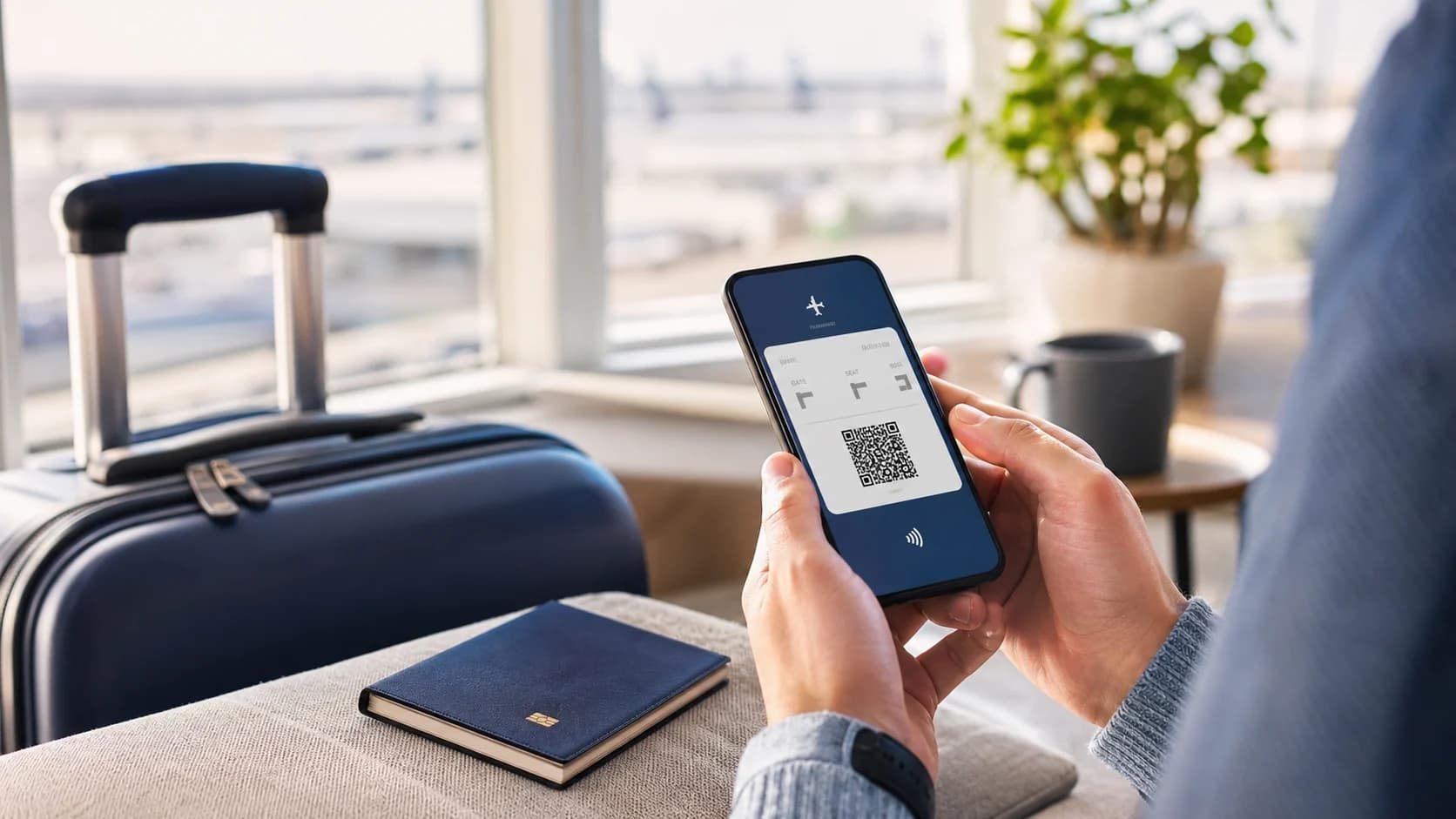
Online check-in
Online check-in confirms a passenger for the flight and usually creates a boarding pass. Complete it within the airline’s stated window, verify the name, route, and document details, then save the pass on your phone and make it available offline.
Use the airline’s official website or app and enter the booking reference. Check every passenger, airport, and departure time before confirming. Do not assume that an automatically assigned seat can be changed free of charge.
Download the completed pass or add it to the phone wallet. A screenshot can help when internet access fails, but retain the original file when the airline requires it.
Visit the desk if you need to drop baggage, complete a document check, collect a printed boarding pass, or respond to an additional verification notice. Arrive early even after checking in because security and boarding have separate deadlines.
The window varies by airline and fare. Check the booking message and the operating airline’s official rules for your flight.
It depends on the airline and airport. Save the mobile version, but check whether the route or document control requires paper.
Usually yes when you have a boarding pass, carry only cabin baggage, and do not need an additional document check.
Flight, baggage, check-in, airport, document, refund, and payment rules can change by airline, route, fare, and travel date. Check the current conditions before booking or contact Superfly for help.


